![New logo-1.svg]](https://help.yordex.com/hubfs/New%20logo-1.svg)
We recommend you create payees by CSV because that creates payees and payouts at the same time. The process for creating payouts by CSV is described [here]
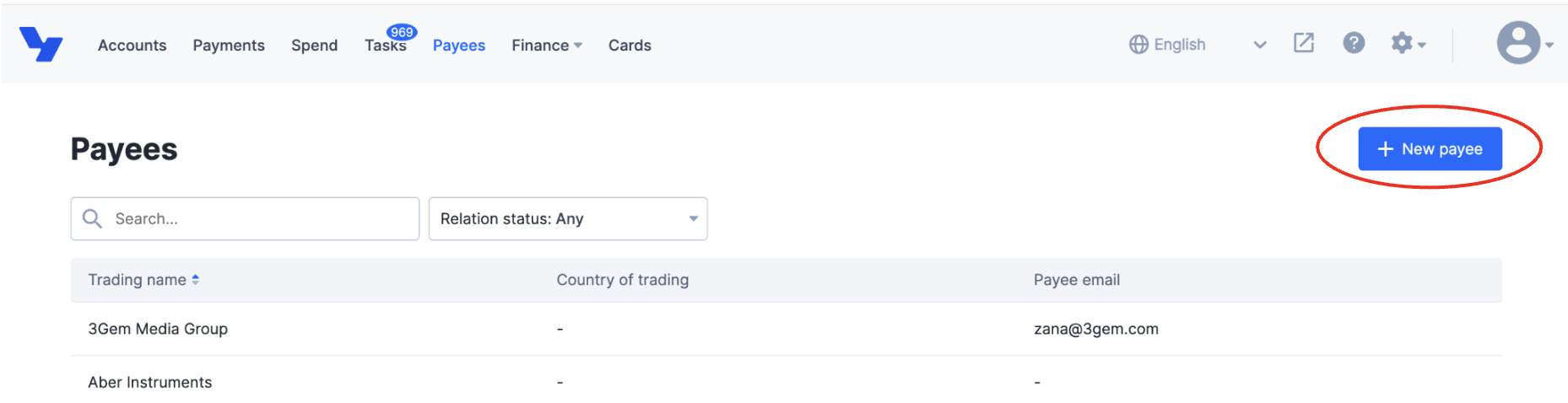
To create a payee manually, first go to the Payees page [here] and click on '+ New payee', see below
Optional fields are labelled. All other fields are mandatory.
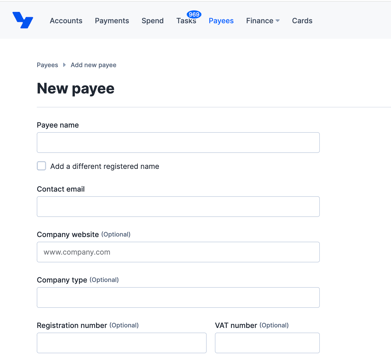
The bank details fields will update after you have set the field "Country" in the "Payee Address" section. It is therefore important to set this payee country before completing bank details.
When done, make sure to save the payee details.